Storage drivers are the critical software translators that manage the writing and reading of data on your computer's internal drives. They ensure that every piece of information is saved accurately and can be found quickly when you need it.
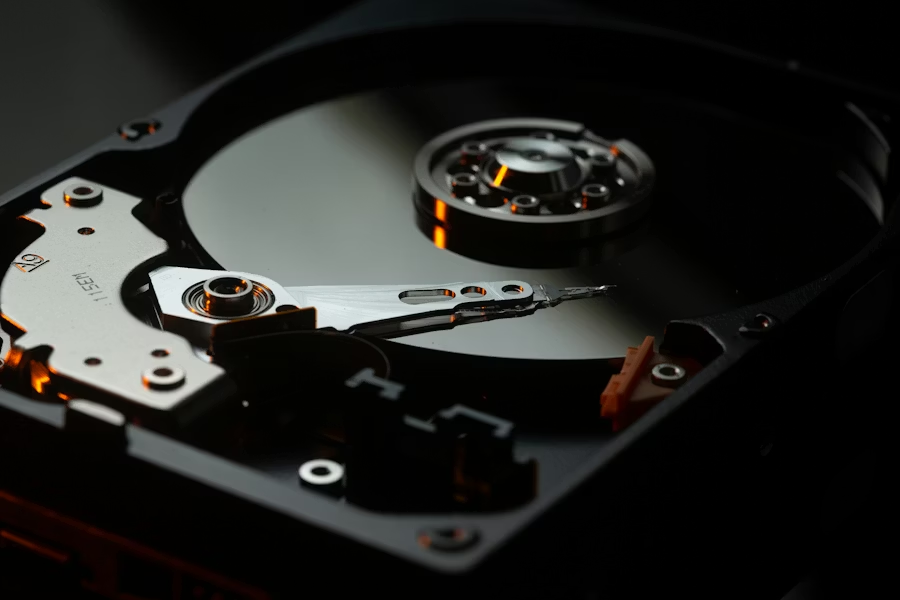
Storage drivers follow different sets of rules depending on how fast your drive is. Older drives use one set of rules, while modern, ultra-fast memory drives use a much more advanced system. These newer drivers are designed to handle thousands of requests at the same time, which is why a computer with a modern drive starts up and opens programs so much faster than older machines.
Another vital role is managing the lifespan of the hardware. Modern storage chips have a limited number of times they can be written to. The driver works behind the scenes to spread the data evenly across the entire drive so that no single part wears out too quickly. It also performs 'cleanup' tasks, telling the drive which areas are no longer being used so the hardware can stay organized and fast over time.
Storage drivers can also manage setups where multiple drives work together as a single unit, either to increase speed or to make a backup copy of your data instantly. They also provide the necessary interface for security tools that scramble your data to keep it private, ensuring that the information is protected as it is written and unscrambled only when you are authorized to see it.
The driver ensures that your files are written to the disk with perfect precision by checking every piece of data for errors before it is saved. It follows a strict set of rules to place information in the safest spots on the hardware so that it can be retrieved without any damage later. This careful writing process is the primary defense against "corrupted" files that can't be opened.
By optimizing the way information is saved and loaded, the driver makes the entire computer feel more responsive and "snappy." It organizes the data so that the hardware can find what it needs in the shortest time possible, reducing the wait when you open a big program. This intelligent filing system allows your machine to spend less time searching and more time working.
The driver acts as a constant watchman for the health of your hardware, looking for early warning signs that the drive might be wearing out. It tracks how many times different areas have been used and moves data around to prevent any single spot from being overused. This proactive management helps you avoid sudden data loss by giving you a warning before the hardware fails.
The AHCI and NVMe rules define how the driver organizes the massive flow of data to and from a storage device.
TRIM is a driver command that helps modern memory-based drives stay fast by identifying unused data areas.
Wear leveling is a technique where the driver ensures data is written to different parts of a drive to prevent wearing out one spot.
Data integrity checks are performed by the driver to ensure that the information read from a disk matches what was originally written.
"True Driver Knowledge begins with understanding how your devices communicate."
Our Educational Mission
Learn the facts about how your computer's components communicate. We provide safe, verified knowledge to help you navigate your digital world.
